AirWave icon

AirWave

Internet radio that lives in your menu bar.
Lightweight, fast, always within reach.

Download Free macOS 14.0 or later · Free
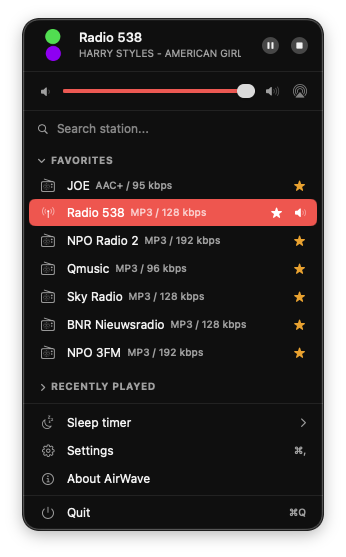
AirWave menu bar dropdown with radio stations

Why AirWave

Radio, without the hassle

Listen Your Way

Menu Bar

One click in your menu bar and you're listening. No windows, no clutter. Always accessible.

1000+ Stations

Stations from 150+ countries, ready to go. Add your own streams with ease.

Favorites

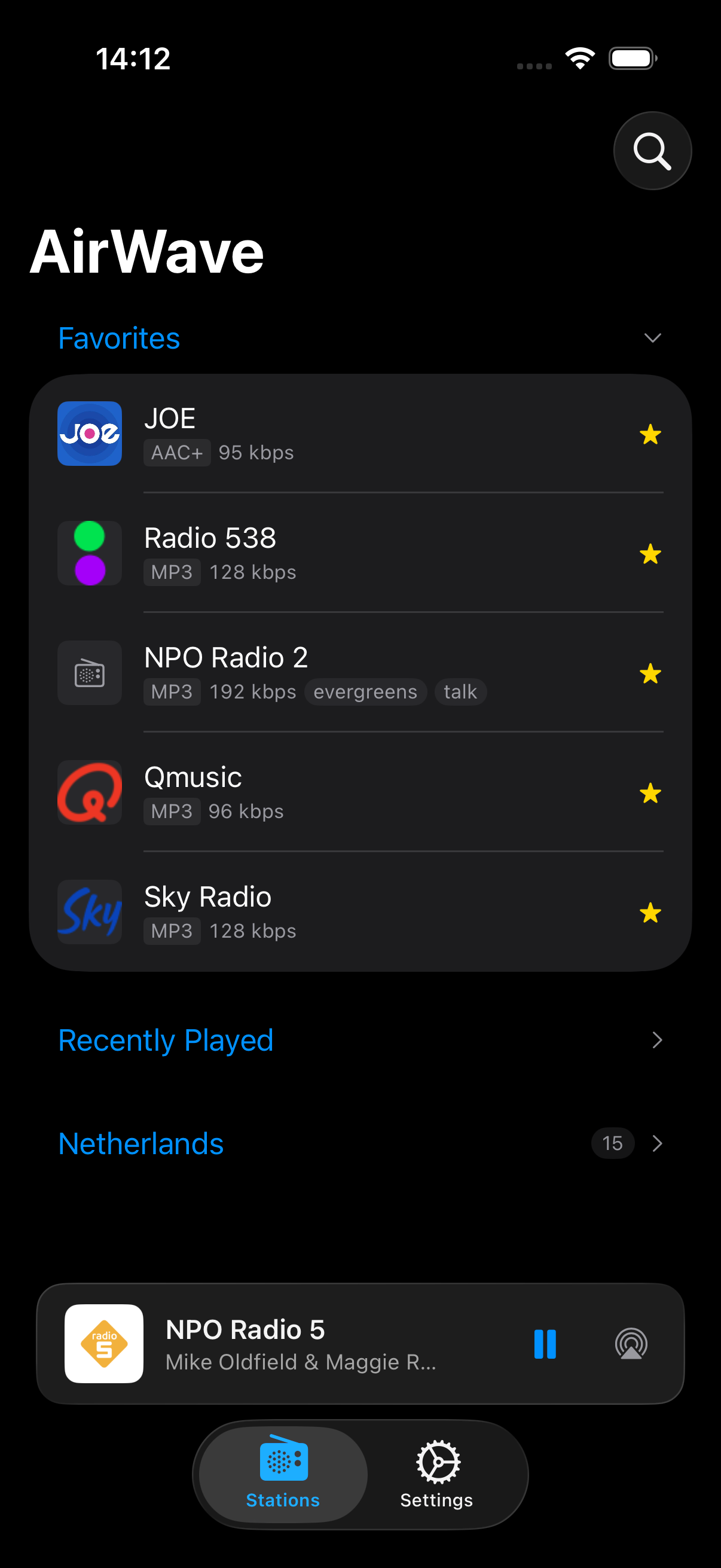
Star the stations you love. Your favorites are always at the top, one click away.

Now Playing

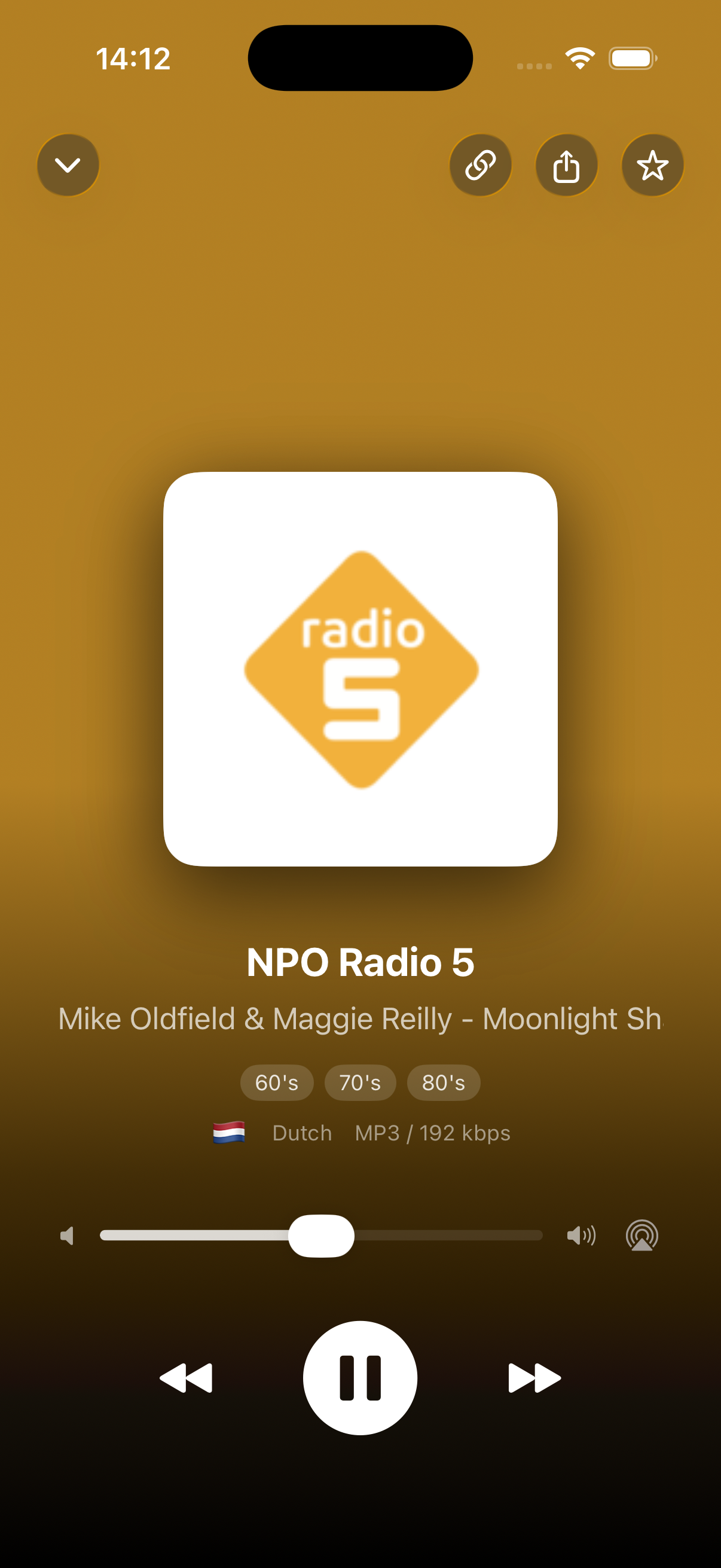
See what's currently broadcasting. Track titles, show names — always know what's on.

Categories & Search

Organize by category, find by search. Your stations, your way.

Built for Your Mac

Sleep Timer

Fall asleep to your favorite station. Set a timer and AirWave fades out automatically.

Standby-Smart

Pauses on sleep, resumes when your Mac wakes up. Configurable to your liking.

Media Keys & AirPlay

Control with your keyboard. Stream to HomePod, AirPods, or any AirPlay speaker.

Multiple Languages

Available in English, Dutch, German, French, Spanish, and Portuguese.

Custom Stations

Add any stream URL. If it plays audio, AirWave can handle it.

AirWave

Ready to listen?

Download AirWave for free and discover how simple internet radio on your Mac can be.

Download for macOS

Requires macOS Sonoma (14.0) or later

Installation

Opening for the first time

AirWave is not signed with an Apple Developer certificate. macOS will block the app on first launch. Follow these steps — it takes 30 seconds.

1

Drag AirWave to your Applications folder

Drag the downloaded AirWave.app to /Applications.

2

Open the app — the warning appears

Double-click AirWave. macOS shows a warning that the app can't be opened. Click OK.

3

Go to System Settings

Open System SettingsPrivacy & Security. Scroll down — you'll see the message that AirWave was blocked.

4

Click "Open Anyway"

Click Open Anyway and confirm with your password or Touch ID. AirWave will now launch and you only need to do this once.

Alternative: via Terminal

If you're comfortable with Terminal, you can remove the quarantine flag directly:

xattr -cr /Applications/AirWave.app